Day-1 #100DaysOfCodePython
What is the best way to learn python? Only answer to this question is, Spend at least 2hrs daily and practice, practice....
Tip 1: Keep a pen and book with you and write down coding concepts you've learnt .
Tip 2: Take a break of 5mins for every 30mins so that you don't feel lazy to complete the course.
Tip 3: Keep saying mantra, Python Python Python until 100 days of your challenge.
Tip 4: Keep motivating your self before you startup your day.
Tip 5: To Keep you track off create a 100 days of code and checkout each and every day upon the completion of your course.
Tip 6: Most important thing do not skip any lessons through out the course.
Welcome to Day 1:
Outline of this course :
- Printing
- Debugging
- Commenting
- String manipulation
- Variables
Here we are not going to show you how to install python on Windows, Linux and Mac. Simple way to have python interpreter use the below link and type your code.
Link: Repl
Create a account in Repl and check in your code to Git. Don't worry I will show you how to create a account and code check-in to Git.
Firstly, You need to sign up the Repl with your personal details
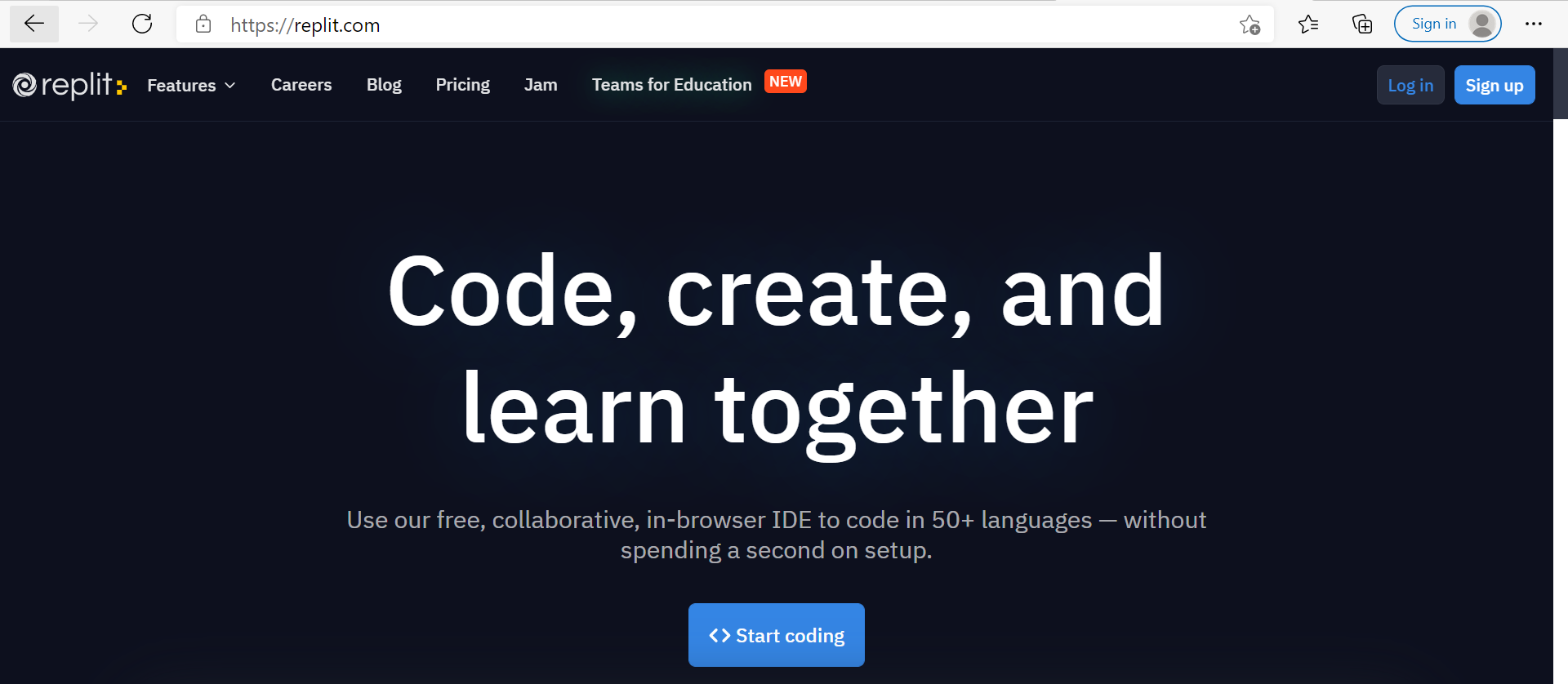
Click Signup
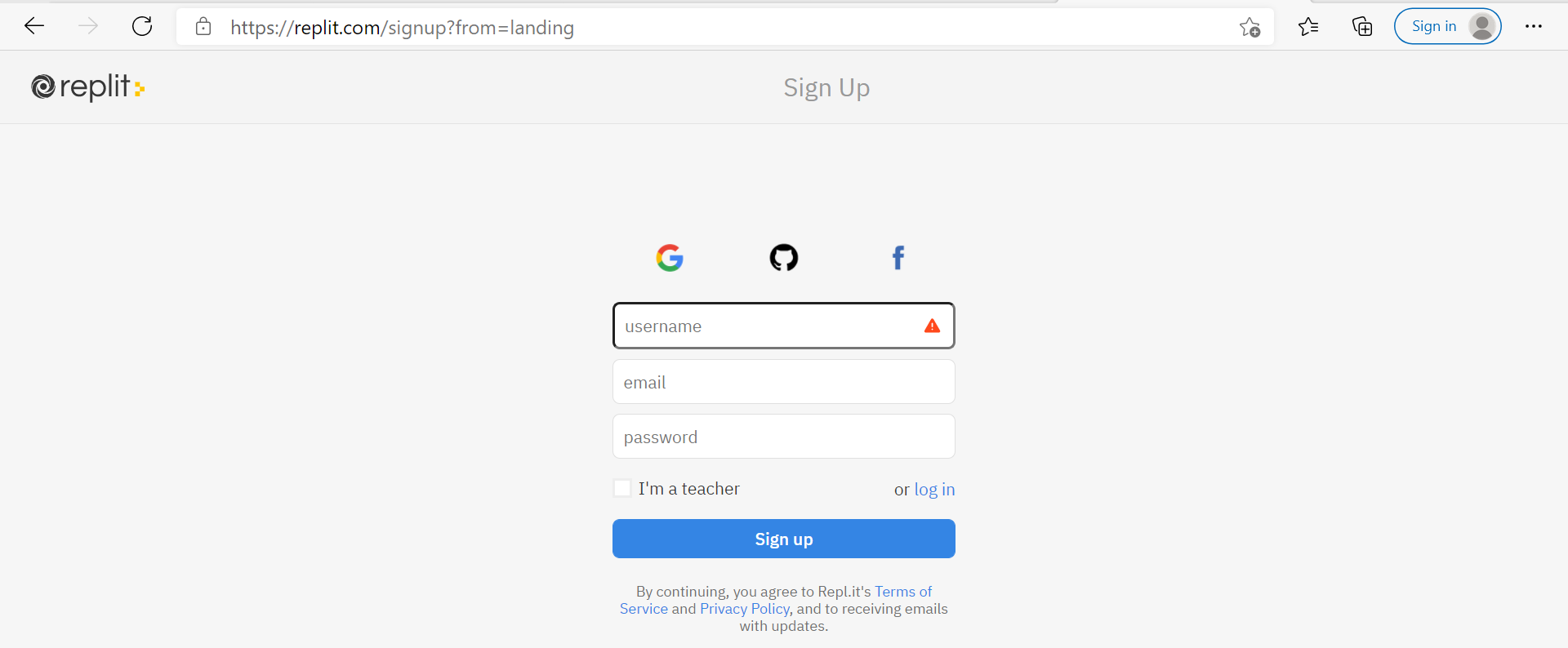
You will be landing up to singup page and you can select any mode to singup your account (Gmail, Github, and Facebook) My choice is Github because I wanted to have my code in Git.
Good Job !!! You've successfully created a Repl Account. Let's start coding. (Say Bazooka)
After login to Repl you can create your first program.
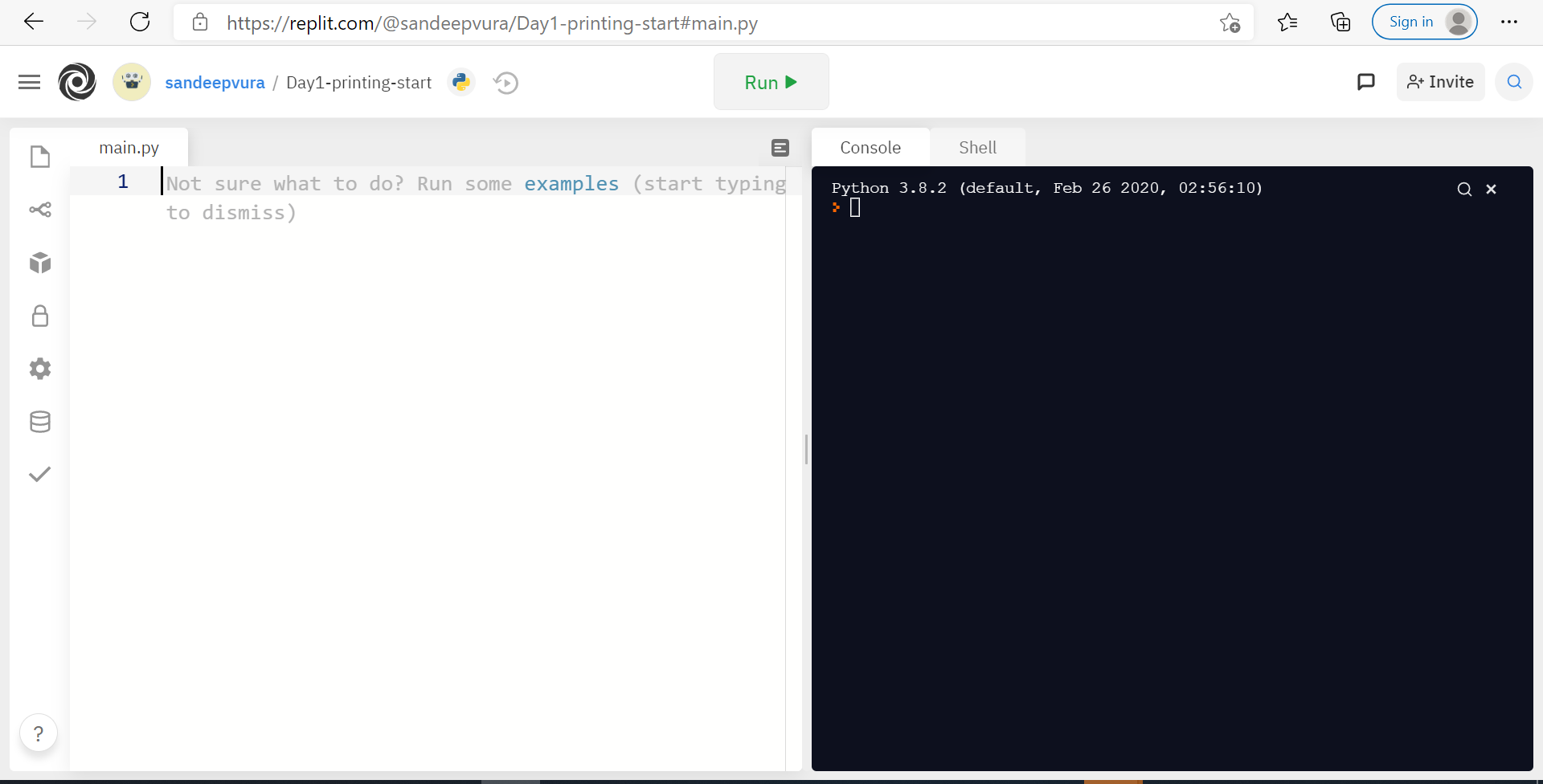
Firstcode.py:
print("Hello World!")
Note: Here we are using printing function to print the string inside the double quotes. A Double Quotes must be set for a string.
Exercise: - 1
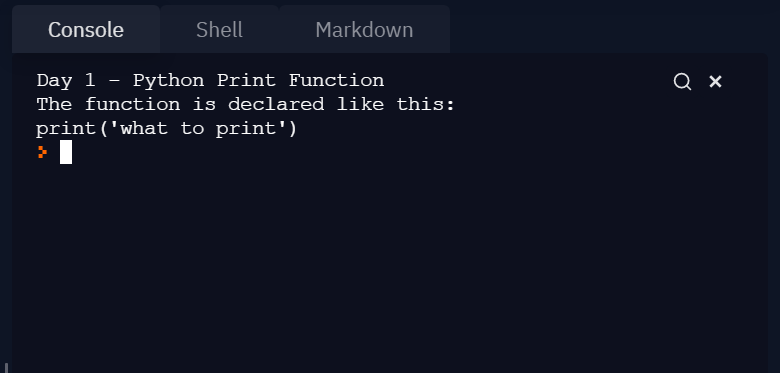
After you have written your code, you should run your program and it should print the following:
Day 1 - Python Print Function
The function is declared like this:
print('what to print')
Output:
STRINGS:
In above exercise we have seen how to print the strings. Now in this exercise let's have a look
How to concatenate the strings.
print("Hello" + "World!") ## When you run this code it merges the string into one without adding the space between two words.
print("Hello" + " " + "World!") ## Adding space between two strings.
Important: When you working on strings spaces are must in your code.
It's time for Exercise-2.
Exercise- 2 - Below print statements has errors in all the lines of code. You need to fix and print as same as expected output. Try it out Pals!!!
# Fix the code below.

print(Day 1 - String Manipulation")
print("String Concatenation is done with the "+" sign.") #Hint: You can use Single quotes also.
  print('e.g. print("Hello " + "world")')
print(("New lines can be created with a backslash and n.")
Expected Output:
Day 1 - String Manipulation
String Concatenation is done with the "+" sign.
e.g. print("Hello " + "world")
New lines can be created with a backslash and n.
Let's step into Input Functions:
we have function method called input() to get user input in console.
input("what is your name?") # When you run this it will pause the statement and expecting a input .
To print the input statement
print(input("what is your name? ")

# To concatenate the string with input() function.

print("Hello " + input("what is your name? ")
Excersice-3
Inputs
Instructions
Write a program that prints the number of characters in a user's name. You might need to Google for a function that calculates the length of a string.
Example Input:
sandeep
Example Output: 7
Hint: you can use len()
That's all about Input Functions. Let's Move on to Next Section Variables.
Variables:
Create a variable to the input function.
variable.py:
name = input("What is your name? ") ## name is a variable
### find the length of the variable
length = len(name)
print(length)
Note: Some values in python can be modified, and some cannot. This does not ever mean that we can't change the value of a variable – but if a variable contains a value of an immutable type, we can only assign it a new value. We cannot alter the existing value in any way.
Exercise - 4
Variables
Instructions
Write a program that switches the values stored in the variables a and b.
Warning. Do not change the code on lines 1-4 and 12-18. Your program should work for different inputs. e.g. any value of a and b.
Example Input
a: 3
b: 5
Example Output
a: 5
b: 3
e.g. When you hit run, this is what should happen:
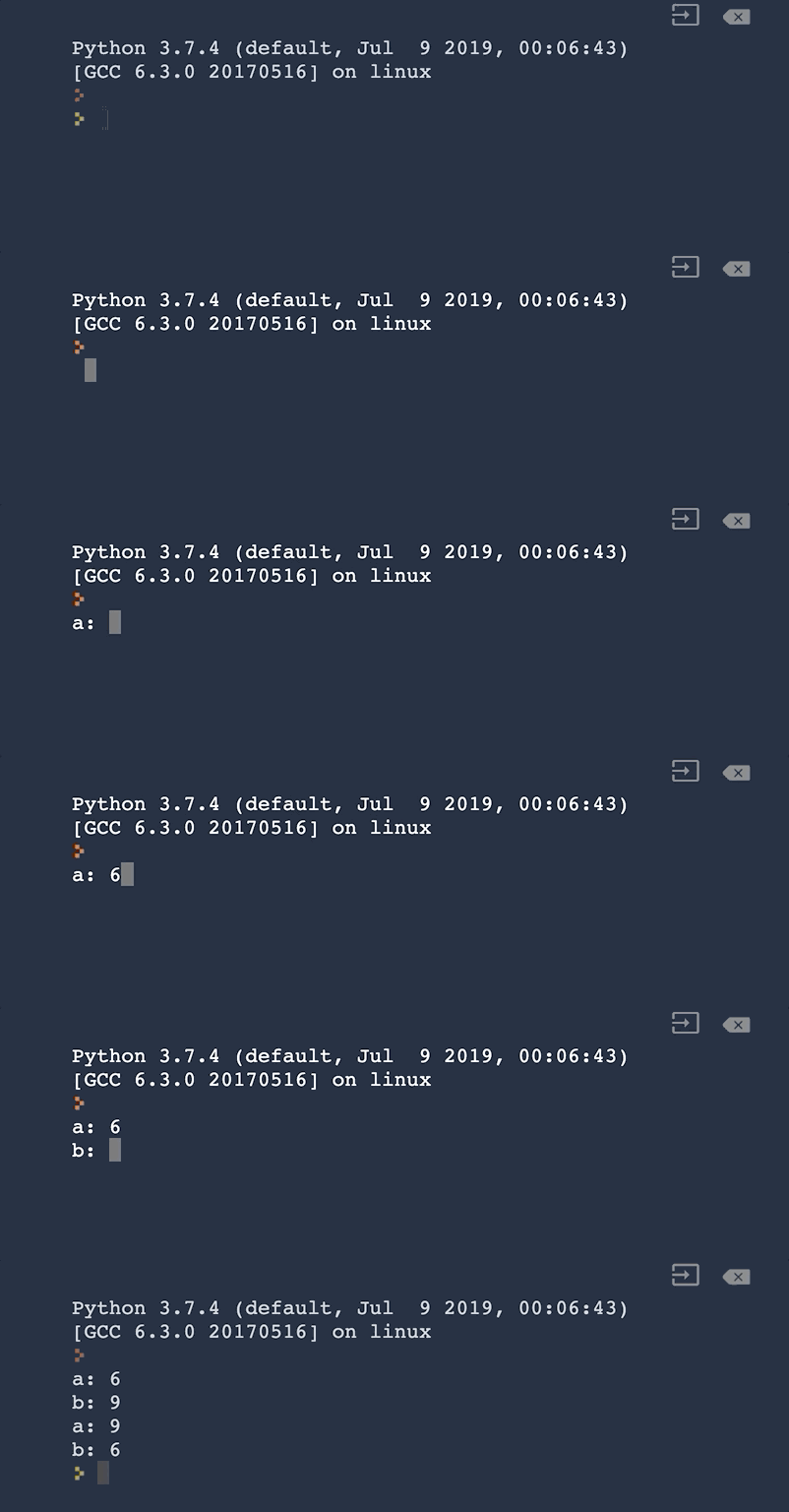
Hint
- You should not have to type any numbers in your code.
- You might need to make some more variables.
Congratulation !!! well done you have completed Day 1 .